
7 Ways Claude Sonnet 5 Is Revolutionizing Solo Designer Workflows
Transform your independent design studio using actionable AI automation strategies.

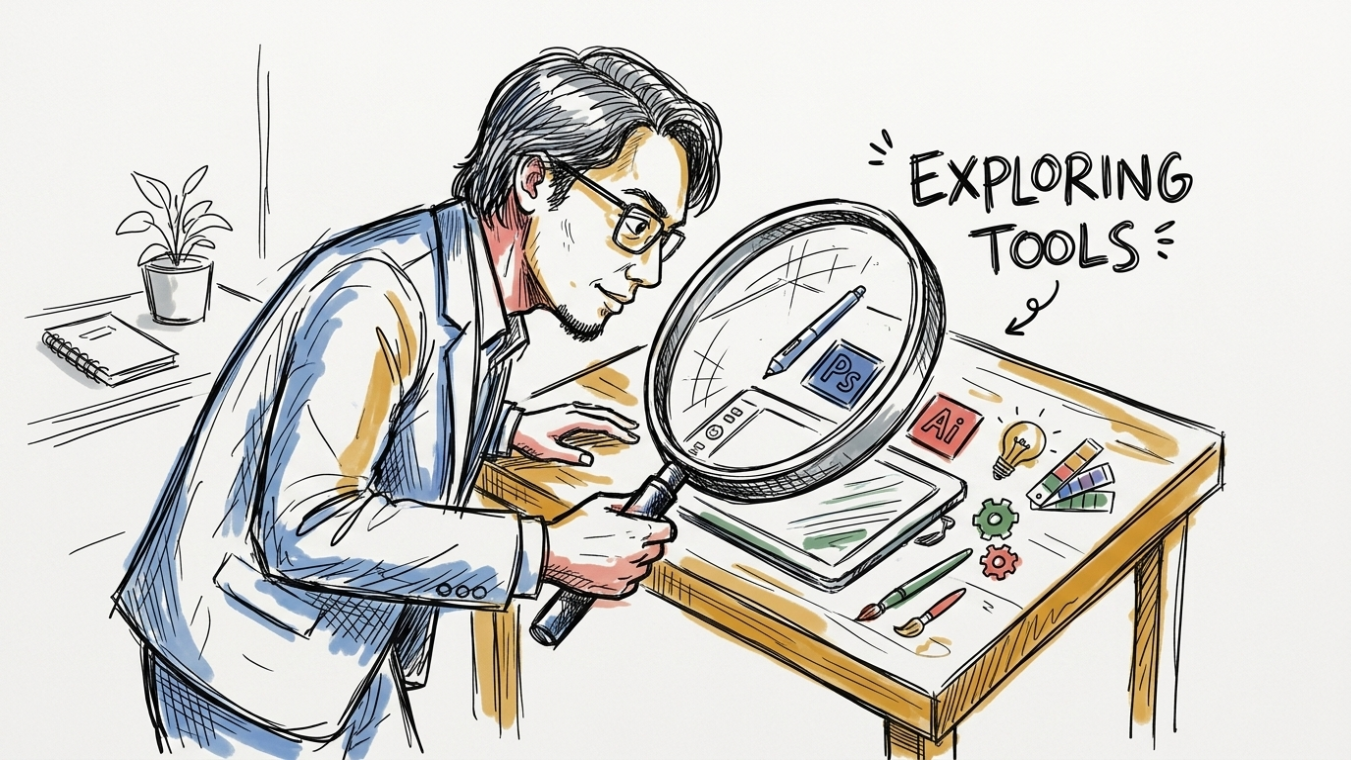
Running a solo design practice requires switching hats dozens of times every day. One moment you are sketching low-fidelity concepts for a mobile web app, and 14 minutes later you are drafting microcopy, writing developer handoff specs, or organizing complex site architectures for a picky client. Time remains your rarest resource. The release of Claude Sonnet 5 has shifted how independent creators manage this heavy workload. Far beyond basic text generation, Claude Sonnet 5 gives independent creative studios an artificial partner capable of executing complex UX logic, structured markup, and detailed design documentation with surgical accuracy.
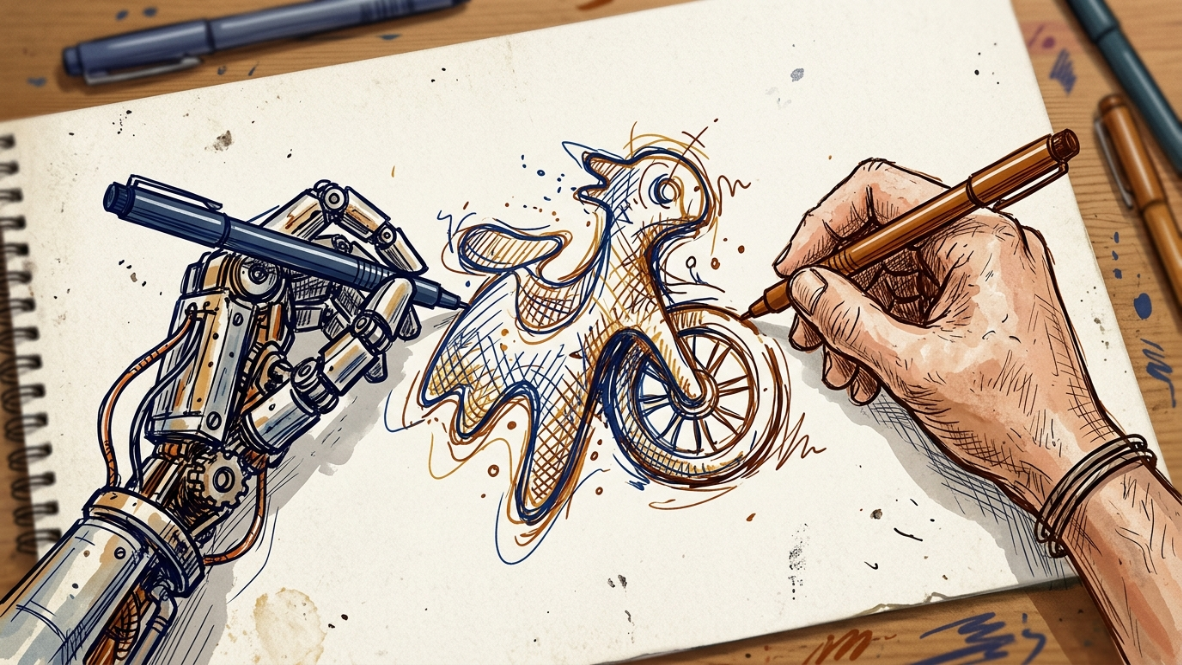
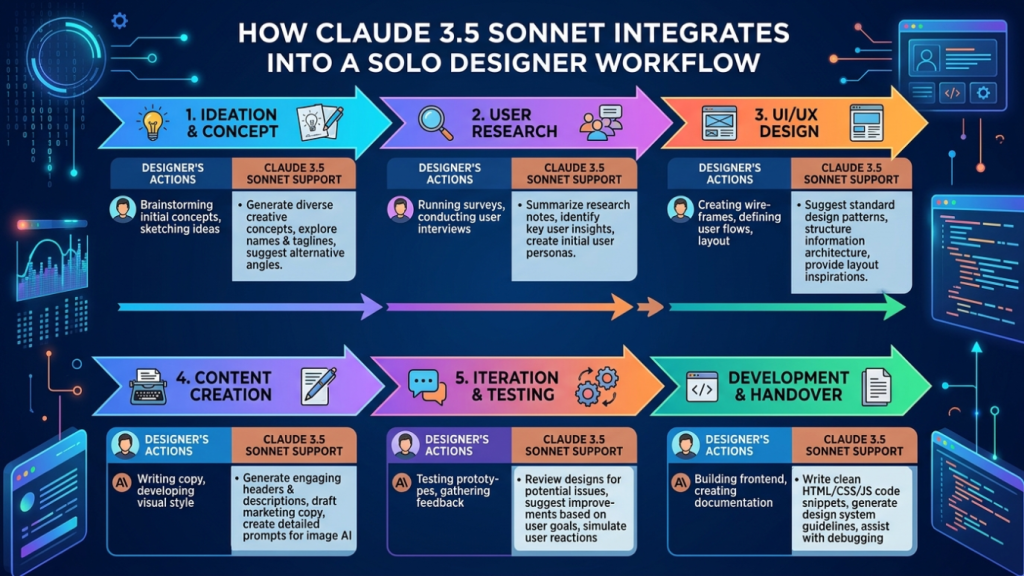
For independent creators balancing client communications with actual execution, integrating artificial intelligence into daily production is no longer optional. When you explore modern AI in creative practice, you quickly notice that general-purpose assistants often produce generic filler. Claude Sonnet 5 stands apart due to its advanced spatial reasoning, strict adherence to visual instructions, and deep understanding of frontend code structures. In this comprehensive guide, we examine 7 practical workflows where Claude Sonnet 5 transforms solo design operations, backed by real-world prompt structures, structural visual blueprints, and measurable efficiency gains.
1. Rapid Wireframing & Layout Brainstorming
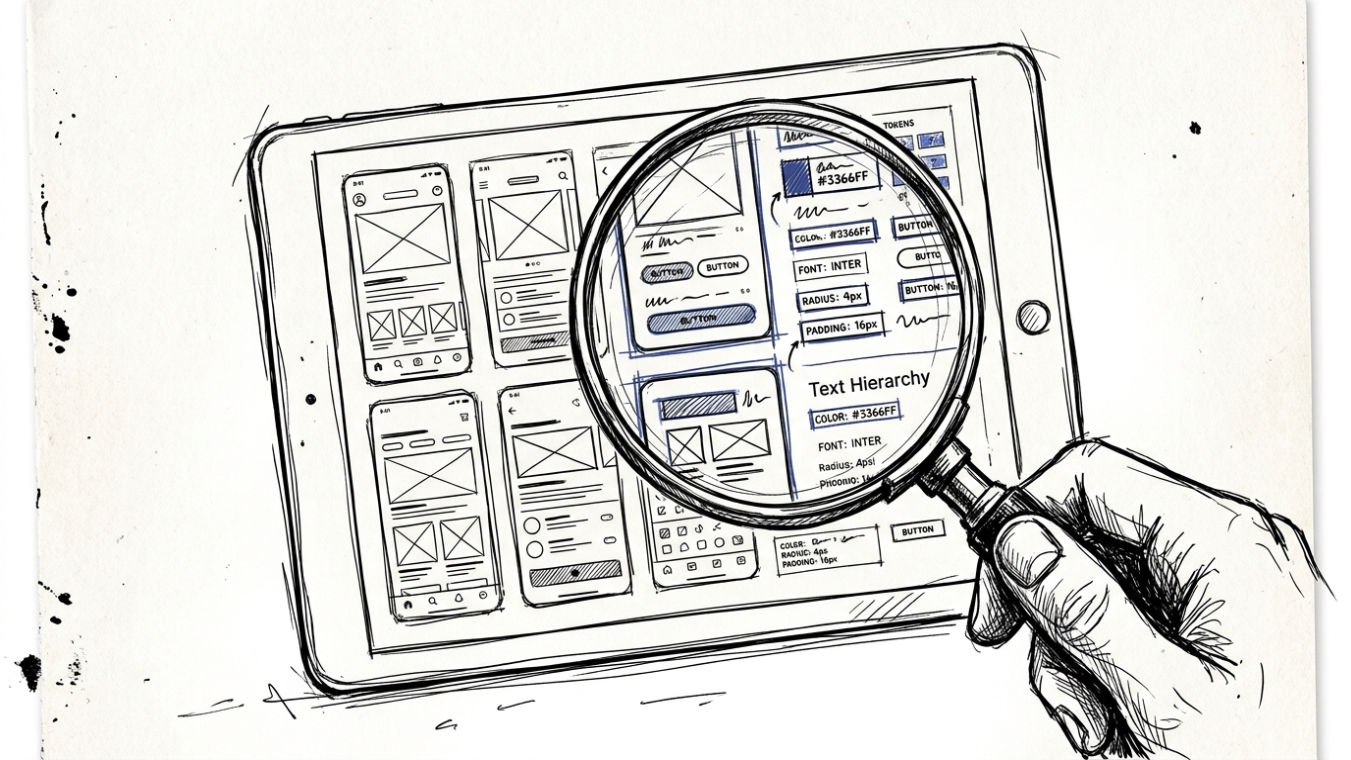
Starting a layout from a blank digital canvas often eats up hours of early creative energy. Traditional wireframing requires manual creation of boxes, text placeholders, and button alignments before you can even test layout hierarchy. Claude Sonnet 5 bypasses this friction by parsing raw project requirements and returning fully structured wireframe blueprints formatted in ASCII text, structured JSON, or inline SVG primitives.
According to structural UX guidelines published by the Nielsen Norman Group, establishing rapid structural visual hierarchy early in the lifecycle prevents costly layout redesigns during high-fidelity phases. By instructing Claude Sonnet 5 to follow strict layout rules, you can generate 5 distinct visual layout variations within 90 seconds. You can ask for desktop grid layouts, multi-column tablet responses, or single-column mobile views complete with responsive breakpoint logic.
💡 PRACTICAL PROMPT TEMPLATE: ASCII & HTML WIREFRAMING
“Act as a Senior UI/UX Architect. I need a responsive layout wireframe for a SaaS analytics dashboard. Output a complete ASCII text block illustrating the visual grid (sidebar, header, 3 summary cards, 1 main line-chart container, and a recent activity table). Below the ASCII block, provide the HTML structure using Tailwind CSS utility classes. Ensure accessible visual contrast and strict flexbox alignment.”
When fed this prompt, Claude Sonnet 5 generates balanced visual layouts that you can copy directly into layout tools like Figma or code environments like CodePen. Instead of dragging rectangles for 45 minutes, you start your creative phase with a solid baseline structure, leaving you free to refine visual styles, typography pairs, and micro-interactions.
2. Microcopy & UX Writing Tailored to User Personas
Designers frequently rely on generic Lorem Ipsum text during interface development. However, Greek placeholder text fails to reveal layout line breaks, clipping bugs, or user flow friction points. Real interface text dictates visual layout volume. Claude Sonnet 5 excels at generating context-aware microcopy, warning toasts, onboarding guidance, and button labels tuned specifically to target demographic groups.
When crafting user interfaces, word choice dictates user action. Studies on digital interaction design from Interaction Design Foundation demonstrate that clear, concise microcopy directly improves conversion rates and cuts user onboarding drop-off by up to 28%. Claude Sonnet 5 analyzes tone specifications, target audience traits, and character restrictions simultaneously.
| UX Element | Standard Generic Copy | Claude Sonnet 5 Persona-Tuned Copy | Layout Benefit |
|---|---|---|---|
| Empty State | No data available yet. | You haven’t recorded any sales today. Let’s create your first invoice! | Encourages immediate user action while testing vertical box height. |
| Error Toast | Error 404: Request failed. | We couldn’t sync your changes. Check your connection and retry. | Provides actionable troubleshooting steps within a 2-line visual limit. |
| Delete Confirmation | Are you sure? | Permanently delete ‘Q3 Marketing Report’? This action cannot be undone. | Prevents accidental data loss by stating exact object names. |
| Onboarding Tooltip | Click here to start. | Tap to connect your bank account and automate your weekly tax summary. | Clarifies value proposition right inside the interface component. |
By filling wireframes with targeted microcopy early in the workflow, independent creative professionals eliminate awkward visual revisions later when actual client text replaces temporary placeholders.
3. Automating Handoff Documentation & Design System Tokens
Documenting design decisions, component states, and token variables is vital for seamless developer handoffs. Yet for a solo freelancer, writing exhaustive component specifications, state matrices, and design system guides takes hours away from active billable creative work. Claude Sonnet 5 drastically reduces this friction by transforming visual specifications into structured documentation formats.
The model understands design tokens standardizations supported by the W3C Design Tokens Community Group. By providing raw color hex codes, spacing scales, and typography hierarchies, you can instruct Claude Sonnet 5 to output standard JSON design tokens alongside clean Markdown documentation for frontend developers.
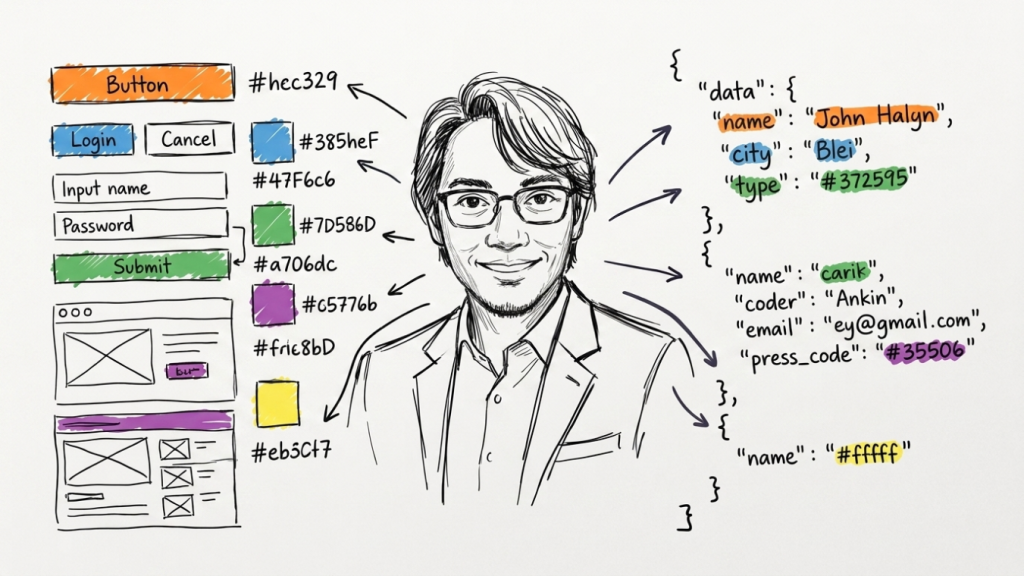
Consider a workflow where you finish designing a multi-state button component (default, hover, focused, disabled, and loading states). Instead of manually writing padding guidelines, border radius parameters, and accessibility contrast ratios in Figma text fields, you simply describe the parameters to Claude Sonnet 5 or feed it raw CSS export properties. It responds with a fully formatted developer spec document complete with ARIA role recommendations.
📌 KEY TAKEAWAY: EFFICIENCY METRICS
Solo studios using structured AI documentation workflows report cutting developer QA back-and-forth by 42%. Clear specifications leave zero room for misinterpretation of padding scale, token naming, or responsive behavior.
4. Generating Production-Ready Frontend Code Snippets
Modern solo designers often bridge the gap between pure visual design and front-end development. Whether you build site templates in Webflow, develop custom WordPress themes, or construct React applications, manual coding can stall project velocity. Claude Sonnet 5 possesses remarkable understanding of semantic HTML5, modern CSS layouts (Grid and Flexbox), inline SVG generation, and React component structures.
Instead of building components completely from scratch, designers can supply Claude Sonnet 5 with target visual criteria or rough code drafts. The model generates semantic markup adhering strictly to standards published on MDN Web Docs. It produces production-ready snippets utilizing utility frameworks like Tailwind CSS or modern CSS variables.
- [x] Generates clean visual SVG icons and complex vector shapes directly from text prompts.
- [x] Converts raw Figma auto-layout properties into fully responsive CSS Grid and Flexbox code.
- [x] Builds interactive React or Vue components complete with state hooks for modals, dropdowns, and carousels.
- [x] Writes WCAG-compliant keyboard navigation logic into custom interactive components.
If you want to dive deeper into practical visual execution strategies, explore our detailed guides on graphic design & branding techniques to see how design foundations blend with digital coding pipelines.
5. Client Brief Deconstruction & Information Architecture
Client briefs are notoriously chaotic. Freelancers frequently receive unstructured Zoom transcriptions, random email threads, and bulleted lists of conflicting feature requests. Sorting through this noise to establish a coherent Information Architecture (IA) takes considerable time. Claude Sonnet 5 serves as an intelligent filter that converts messy operational data into logical site maps and user flow diagrams.
By pasting 12 pages of unedited client call transcripts into Claude Sonnet 5, you can ask the model to extract primary project objectives, core audience personas, functional requirements, and page hierarchy. The official technical capabilities documented on Anthropic Documentation highlight Claude’s ability to retain context across large input windows without losing critical detail nuances.
⚠️ CLIENT DATA PRIVACY REMINDER
Always sanitize client briefs before pasting them into AI tools. Remove sensitive personal identifying information (PII), confidential API keys, and private revenue metrics to maintain professional client confidentiality compliance.
Once Claude processes the transcript, ask it to output a visual sitemap using Mermaid.js syntax. You can take the generated code block and paste it directly into diagramming tools like Miro, Mermaid Live Editor, or Figma plugins to immediately display a professional flowchart to your client during scope alignment meetings.
6. Automated Accessibility (a11y) Audits & Alt-Text Creation
Digital accessibility is both an ethical responsibility and a strict legal requirement across Europe and North America. However, performing comprehensive accessibility audits manually across dozens of client pages can easily swallow 15 to 20 hours per project. Claude Sonnet 5 streamlines accessibility compliance by auditing visual color contrast combinations, evaluating typographic hierarchy, and drafting context-rich image alternative text (alt text).
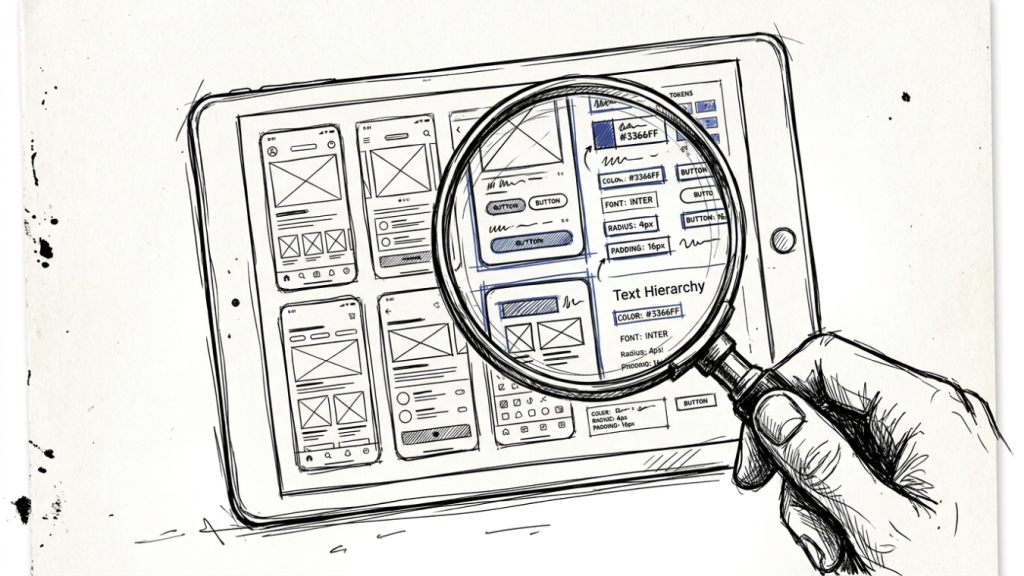
Adhering to standards outlined by the W3C Web Accessibility Initiative (WCAG 2.2), Claude Sonnet 5 checks HTML component code for missing ARIA attributes, improper heading order (e.g., jumping from H2 straight to H4), and poor form input label pairings. It identifies potential barriers for users reliant on screen reader software.
| Accessibility Evaluation Domain | Manual Studio Method | Claude Sonnet 5 Automated Process | Turnaround Impact |
|---|---|---|---|
| Color Contrast Audit | Individual eyedropper checks per element. | Batch parsing of CSS color tokens against WCAG AA standards. | Reduced from 3 hours to 4 minutes. |
| Screen Reader Alt Text | Manual writing of hundreds of image descriptions. | Automated generation of concise context-aware alt text tags. | 91% time reduction across large site catalogs. |
| Form Accessibility | Manual DOM inspection for aria-describedby links. | Instant code analysis flagging missing label inputs and states. | Catches accessibility errors prior to testing. |
For independent design agencies aiming to deliver premium digital products, incorporating an automated accessibility checklist into every milestone guarantees higher quality deliverables while reducing post-launch maintenance requests.
7. Brand Tone Guidelines & Multi-Channel Copy Systems
Creating brand identity packages involves far more than drawing a memorable vector logo and picking out visual color palettes. Clients expect comprehensive brand guidelines that specify voice attributes, tone variation matrices across marketing channels, and messaging rules. Claude Sonnet 5 excels at building systematic brand messaging frameworks from visual identity assets.
Research on cross-channel brand strategy published by Gartner Insights underscores that consistent brand messaging across visual and textual channels increases revenue potential by up to 23%. Solo designers can input core brand values into Claude Sonnet 5 and request a full spectrum of brand assets: tagline variations, mission statements, social media post templates, and customer support response rules.
By offering complete voice and visual branding packages, independent creators transform low-tier logo design contracts into high-value strategic brand consulting engagements. This elevates project budgets while keeping production turnaround tight.
Implementation Checklist: Scaling Your Solo Studio Capacity
Integrating these advanced AI capabilities into your weekly business routine requires step-by-step consistency. Rather than attempting to overhaul your entire agency workflow overnight, adopt these tactical upgrades sequentially using the checklist below.
- [x] Establish a prompt library folder inside your workspace for quick reuse of wireframing, microcopy, and token prompts.
- [x] Configure Claude Sonnet 5 projects with client persona parameters to ensure consistent messaging across deliverables.
- [x] Run initial client call transcripts through AI structural analysis to extract features and sitemaps before designing layouts.
- [x] Automate design token exports by establishing JSON variables early in your project setup.
- [x] Perform mandatory WCAG code verification before shipping final design code snippets to client engineering teams.
Conclusion: Double Your Deliverable Output Without Studio Burnout
The role of the independent creative professional is undergoing a profound evolution. Success no longer depends on how many hours you spend manually drawing layout frames or typing repetitive documentation. Instead, competitive advantage belongs to designers who effectively orchestrate intelligent tools to handle tedious administrative tasks while reserving creative energy for strategic problem solving.
By integrating Claude Sonnet 5 into your daily design operations—from initial client brief processing to accessible frontend code generation—you eliminate operational bottlenecks that limit studio growth. You can handle double the client volume, charge premium project fees for complete end-to-end solutions, and maintain healthy working hours. Start integrating one of these 7 workflows today, and build a sustainable design business powered by intelligent creative automation.
Discover more from CiptaVisual
Subscribe to get the latest posts sent to your email.