
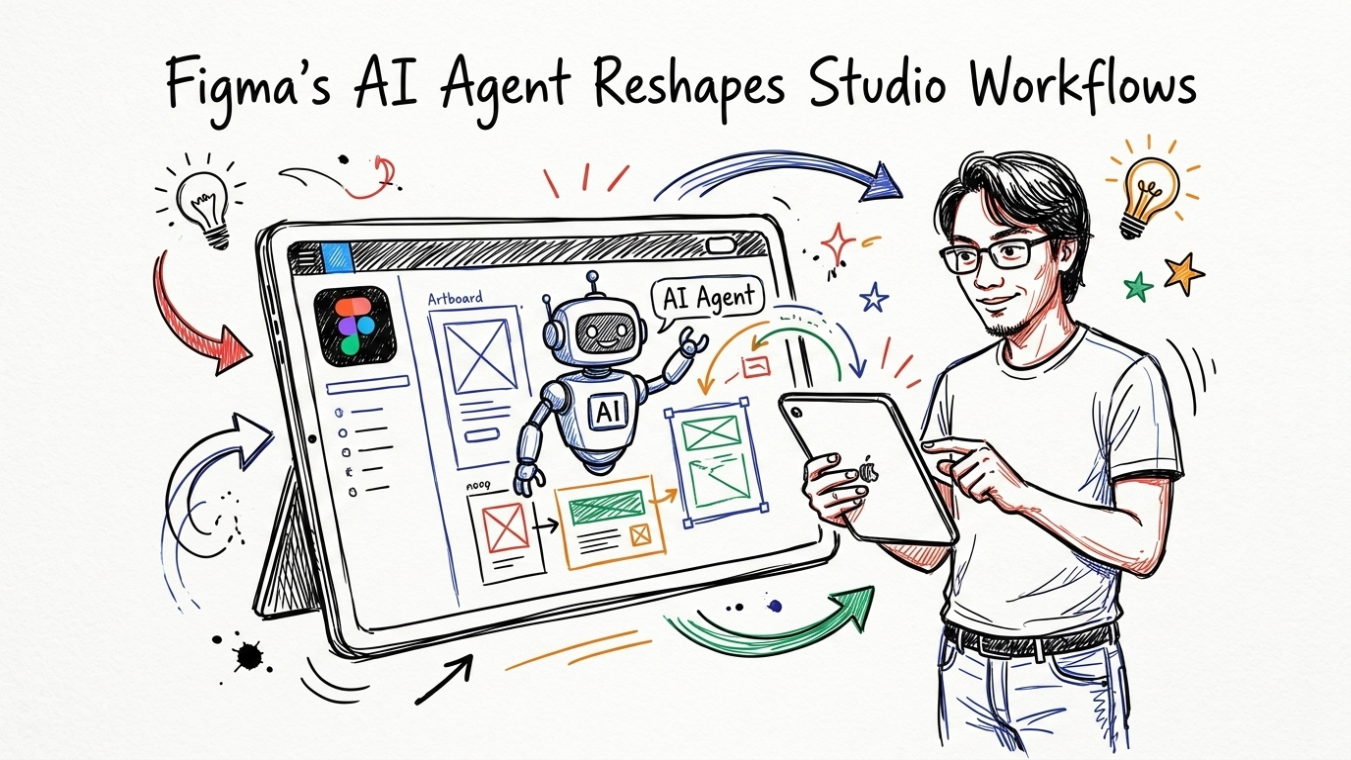
9 Ways Figma’s AI Agent Reshapes Studio Workflows in 2026
How Autonomous Tooling in Design Apps Is Rewriting Agency Operations and Creative Delivery

Adopting a modern Figma AI agent workflow is no longer an experimental luxury for boutique agencies. It has become a practical operational requirement. When Figma introduced its integrated autonomous capabilities during the Config 2026 presentation, many creative leads initially treated the news as another feature update. However, three months of real-world implementation across active production pipelines show a different picture. Design teams are fundamentally altering how they plan, prototype, and deliver commercial projects.
Smaller design teams face growing pressure to ship complex visual products on tighter deadlines. Recent surveys published by Gartner indicate that over 42% of marketing agencies have integrated automated design assistants into their daily production sprints during the past quarter. Understanding these structural changes helps creative directors protect project margins while keeping craft standards exceptionally high.
Why Config 2026 Marks a Turning Point for Professional Design Teams
Design tools used to wait for manual clicks. You dragged a rectangle, set your typography specs, adjusted padding, and manually mapped out interactive states. That reactive paradigm belongs to the past. Today’s ambient assistants act upon conversational context, underlying design tokens, and project guidelines.
Many teams fall into the trap of treating these assistants like instant layout generators. They prompt for finished screens and expect flawless visual hierarchy on the first pass. This usually leads to generic visual structures that lack distinct brand identity. The real strength lies in task delegation. When senior leads use automated agents to perform repetitive layout assembly, strategic thinking takes center stage. You can explore advanced design principles on our CiptaVisual graphic design resources section.

1. Automating Repetitive Component Tasks So Designers Can Focus on Strategy
Component maintenance burns productive creative hours. Building 48 variants of a primary button component with light, dark, hover, disabled, and loading states used to consume half a sprint morning. Manual variant creation is tedious. It drains energy.
The solution is direct constraint scripting through background execution. By issuing clear natural language parameters, the internal assistant generates entire state matrices instantly based on established local variables. Senior staff spend 5 minutes reviewing token alignment rather than two hours setting auto-layout margins manually.
2. Generating Motion and Animation Specs Directly Inside the Design File
Static comps leave interactive behavior open to subjective interpretation. Developers often guess easing curves and transition durations during front-end assembly, causing back-and-forth revisions during QA.
Relying purely on text descriptions like ‘smooth hover effect’ leads to inconsistent user interface motion across different product screens. Designers often lack the time to construct dedicated prototypes in external software for every secondary interaction.
By leveraging an automated Figma AI agent workflow, teams can generate accurate cubic-bezier curves and CSS animation values automatically from plain language descriptions. The system inspects your layout structure and writes clean animation specifications directly into the properties panel according to web standards outlined by the W3C Web Standard Guidelines.
3. Using 3D Transforms and Shaders Without Leaving the Figma Environment
Advanced visual depth historically meant switching applications. Designers exported assets into Blender or Cinema 4D, rendered static PNG renders, and imported them back into canvas frames. Workflow momentum broke every single time assets required minor angle tweaks.
The native spatial engine allows designers to execute procedural 3D transformations directly within canvas layers. You prompt the canvas agent to apply lighting vectors, material roughness, and specular reflections on vector objects. Iteration happens in real-time. Render friction disappears completely.
4. Accelerating Client Feedback Loops With AI-Summarised Annotation
Client review files quickly devolve into chaotic sticky-note minefields. Sorting through 74 contradictory feedback pins across ten artboards burns valuable account management budget.
Instead of manually parsing vague comments, agency leads now run cluster analysis summaries. The canvas assistant groups client notes into prioritized action buckets: content revisions, structural changes, and brand style questions. This structured distillation cuts client review alignment meetings from 60 minutes down to a quick 15-minute sync.
5. Reducing Handoff Friction Between Designers and Developers
Design handoff remains a primary friction point in software production. Missing variable bindings, unmapped auto-layout frames, and inconsistent naming conventions force engineering teams to make risky assumptions.
A recent industry analysis by Statista highlights that developer rework accounts for up to 28% of overall digital project budget overruns. The assistant bridges this gap by acting as a pre-flight inspect tool. It scans production frames for hardcoded color values, missing responsive constraints, and non-standard typography styles before developer notification occurs.
6. Enabling Faster Brand Exploration Across Multiple Concepts in Parallel
Early-stage visual discovery usually limits agencies to two or three distinct direction paths due to time constraints. Exploring radically different typography pairings, spatial grid systems, and visual tone controls under tight client budgets requires substantial effort.
With an active Figma AI agent workflow, art directors generate six distinct visual explorations simultaneously. By feeding initial brand moodboards and Midjourney or Adobe Firefly prompt parameters into background context drawers, the agent populates wireframe layouts across multiple visual directions within minutes. Designers refine the strongest concepts rather than starting from blank screens.
7. Surfacing Inconsistencies in Design Systems Before They Reach Production
Large enterprises run complex multi-brand design systems with thousands of linked UI components. Over time, rogue detached instances and custom style overrides corrupt system integrity across active product files.
Manual system audits are painful and often missed. Automated workspace indexing runs periodic integrity checks across active studio files. It flags detached components, suggests system-approved color variable swaps, and alerts maintainers whenever new component patterns should be merged back into the primary UI library.
8. Supporting Non-Designer Stakeholders in Making Smaller Creative Decisions
Copywriters and marketing managers frequently depend on graphic designers for minor copy adjustments or image asset swaps during campaign launches. This creates operational bottlenecks across both teams.
Controlled canvas permission frameworks combined with visual execution agents allow content strategists to safely test copy length directly within constrained layouts. The assistant automatically adjusts container auto-layout padding or suggests text truncations without breaking underlying visual grid structures. For broader campaign approaches, check out our insights on CiptaVisual digital marketing and strategy.
9. Shifting the Studio’s Billing Model From Hours to Outcomes
Hourly billing penalizes efficient creative agencies. When an automated workflow enables a product designer to complete an intensive 10-day UI sprint in 3 days, traditional hourly pricing slashes project revenue by 70%.
Forward-thinking agencies across the US and Europe are transitioning toward value-based project pricing. Studio margins increase because deliverables ship faster without compromising brand craftsmanship. Clients pay for rapid turnaround times and business outcomes rather than logged seats at a desk.
What Studios Should Do Before Fully Committing to AI-Led Workflows
Uncontrolled automation leads to uninspired visual output. Establishing strong agency guardrails prevents teams from losing creative distinction:
- Audit token taxonomy: Clean up variable structures, semantic colors, and spatial tokens before enabling background automation tools.
- Establish human-in-the-loop validation: Mandate that senior design directors review all automated layout generations before client presentation phases.
- Update client contract terms: Clearly articulate AI tool usage, intellectual property rights, and data privacy policies in master service agreements.
A Note on What the AI Agent Still Cannot Replace
Automated canvas intelligence executes operational tasks with remarkable speed. However, it lacks genuine human empathy, emotional intuition, and deep understanding of cultural nuances. An agent can organize UI components along a 12-column grid, but it cannot feel whether a brand experience evokes trust, nostalgia, or delight. Human art direction remains indispensable for high-stakes brand storytelling and strategic creative positioning according to visual history archives like Graphic Design History.
Start Exploring These Capabilities in Your Next Sprint
Adopting an integrated visual assistant strategy transforms creative production from repetitive assembly line work into high-level strategic problem solving. Studios that master this balance position themselves to deliver superior creative output while maintaining healthier operating margins.
Implement these practical steps in your agency operations today:
- Select one low-risk component library and automate variant generation during your next sprint.
- Run automated feedback summaries on your next client review file to identify recurring revision patterns.
- Review your client agency billing structures to align pricing with output speed rather than manual time logs.
How are you streamlining your creative workflow this quarter? Share your insights and elevate your design strategy with CiptaVisual!
Discover more from CiptaVisual
Subscribe to get the latest posts sent to your email.