
AI Design Tools vs. Human Creativity: Finding the Right Brand Balance
Why speed alone isn't a branding strategy — and how to keep AI and human judgment working together

Type “modern logo for a wellness brand” into an AI design tool and you’ll get something clean, on-trend, and vaguely lovely within eight seconds. Type the same prompt again tomorrow, or ask a competitor to try it, and you’ll get something that looks remarkably similar. That’s the real story behind the debate over AI design tools vs human creativity right now — it’s not about whether the tools are good enough. It’s about what happens to a brand when speed replaces judgment.
If you’re a freelancer, a small studio owner, or a business owner trying to keep your visual identity sharp without a full design team, this question isn’t academic. You’re already using AI design tools, or considering it, because the budget and the calendar demand it. This article walks through what these tools are actually good at, where they quietly damage a brand without anyone noticing, and how to build a workflow where AI design tools and human creativity each do the part they’re actually suited for.
What AI Design Tools Are Actually Doing When You Hit “Generate”
It helps to understand what’s happening under the hood before deciding how much to trust it. AI design tools — Midjourney, Adobe Firefly, Canva’s AI features, Recraft, and dozens of logo generators — are pattern-matching systems. They’ve been trained on enormous libraries of existing design work, and when you prompt them, they’re recombining patterns from that library based on your words, not inventing a new idea from your business’s actual context.
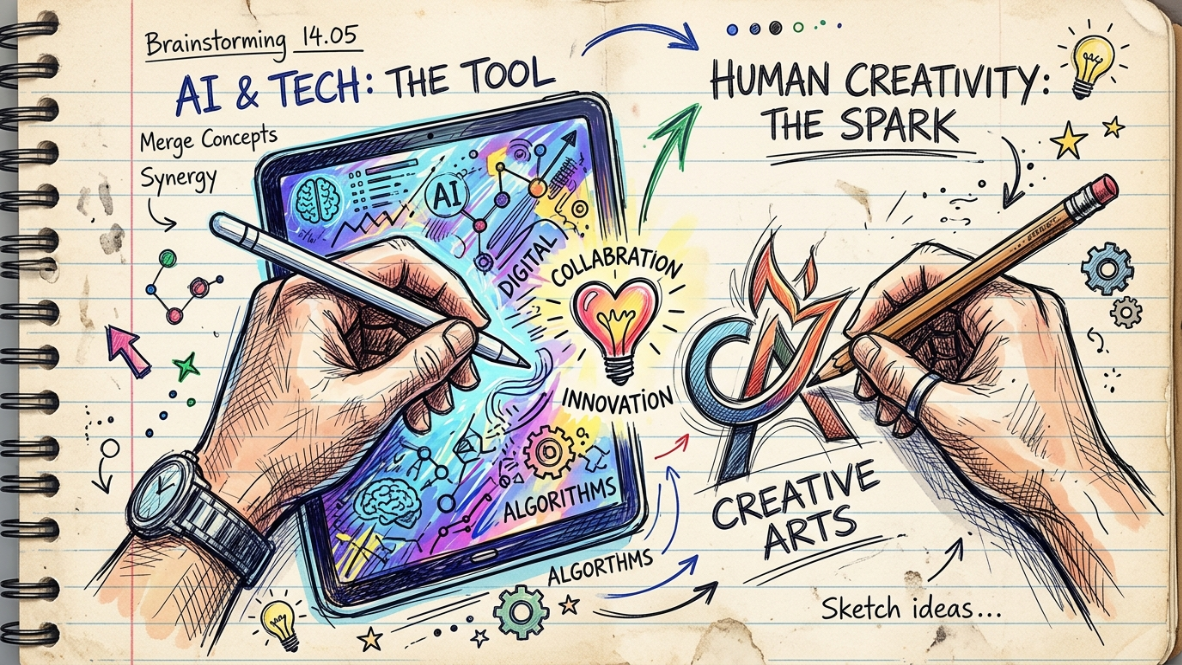
That’s precisely why they’re fast. It’s also precisely why they’re limited. As one design industry overview on generative tools put it, AI is most effective when it supports human judgment, creativity and accountability, not when it replaces them. The tools are genuinely useful for ideation, moodboarding, and production — but they don’t know your customer’s specific hesitation, your founder’s actual point of view, or why your studio turned down a client last year because the brief didn’t fit your values. That context lives with you, not in the model’s training data.
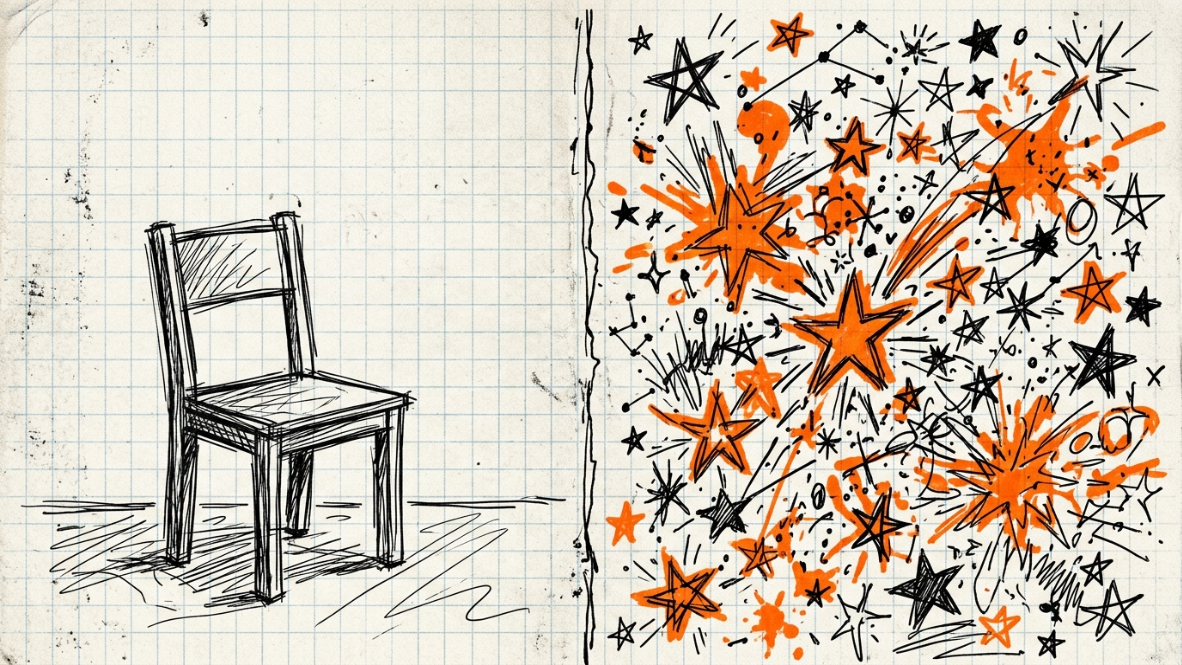
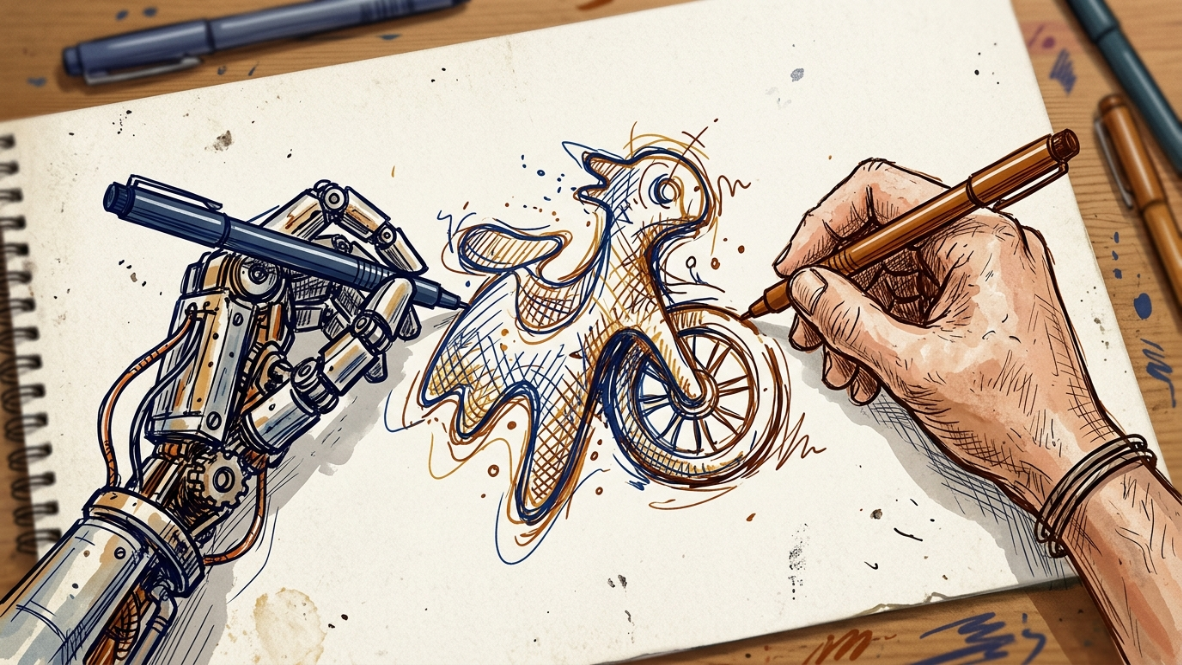
This is the core tension in the AI design tools vs human creativity conversation: AI expands what’s possible technically, but it has no stake in whether your brand is actually true to what makes your business different.
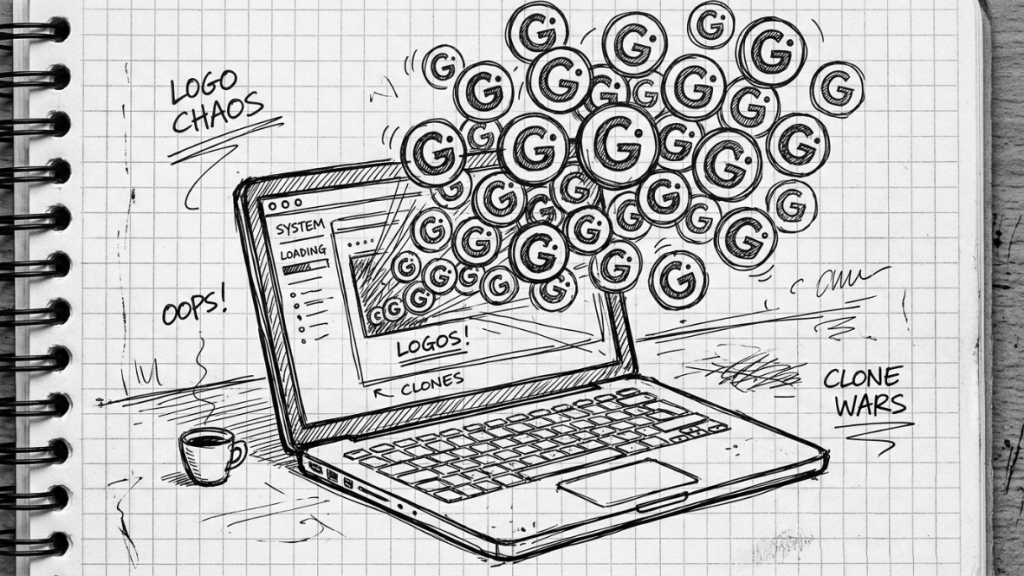
The Sameness Problem: What Most Small Businesses Get Wrong
Here’s the honest assessment: a large share of small businesses using AI design tools are producing brands that quietly look like their competitors, and most don’t realize it’s happening. One estimate puts it at roughly 40% of small businesses now using AI tools to build some or all of their visual identity, with the AI logo generator market alone projected to grow from $333 million to over $2 billion by 2033. That’s a lot of businesses running through a small number of engines.
The problem isn’t that AI-generated output looks bad. It’s that when thousands of businesses feed similar prompts into similar systems, the outputs converge — the same geometric patterns, the same gradient palettes, the same visual shorthand that signals “tech company” or “wellness brand” without saying anything specific about the business behind it. I’ve seen this firsthand with a client — a small local bakery that ran their branding through a popular AI logo tool and ended up with almost the same rounded wheat-icon mark as two other bakeries in their own city. Nobody had copied anybody. The tool had simply done what it does: pattern-matched “bakery” to its most common training association.
This matters commercially, not just aesthetically. Research on first impressions shows people form a visual judgment about a brand in milliseconds, and 86% of consumers cite authenticity as a crucial factor when deciding which brands to support. A brand that looks like everyone else’s AI output doesn’t just fail to stand out — it can quietly signal “generic” or “low-effort” before a single word of your copy is read.
If you’re weighing your own AI design tools vs human creativity balance and something about your last AI-generated brand asset felt technically fine but strangely impersonal, that instinct is worth trusting. It’s usually not a prompting problem. It’s a strategy problem the tool was never going to solve for you.
Where AI Design Tools Genuinely Earn Their Place
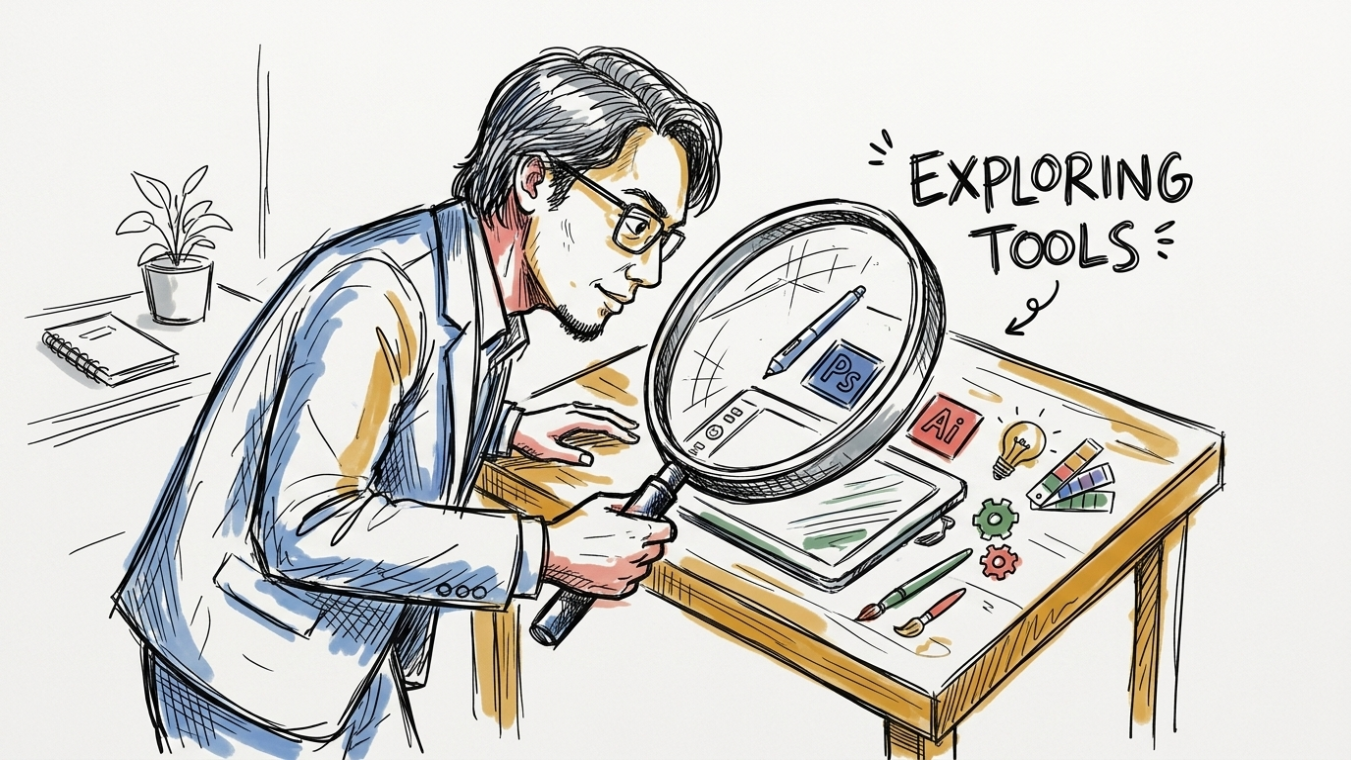
None of this means AI design tools deserve to be sidelined. Used at the right stage, they’re a real advantage for resource-constrained teams. A few places where they consistently pull their weight:
- Early exploration and moodboarding. Tools like Midjourney remain strong for testing aesthetic directions before committing to a visual identity, and the style-reference features in current versions make it easier to keep a consistent look across generations.
- Production at scale. Once a brand system is locked, AI design tools can generate campaign variations for different platforms, regions, or audience segments far faster than a small team could produce them manually.
- Repetitive technical tasks. Background removal, resizing across formats, basic color correction, and quick layout drafts are exactly the kind of work AI can take off a designer’s plate.
- Color and palette discovery. Tools trained specifically on color relationships can surface palette combinations a designer might not have reached for on their own, used as a starting point rather than a final decision.
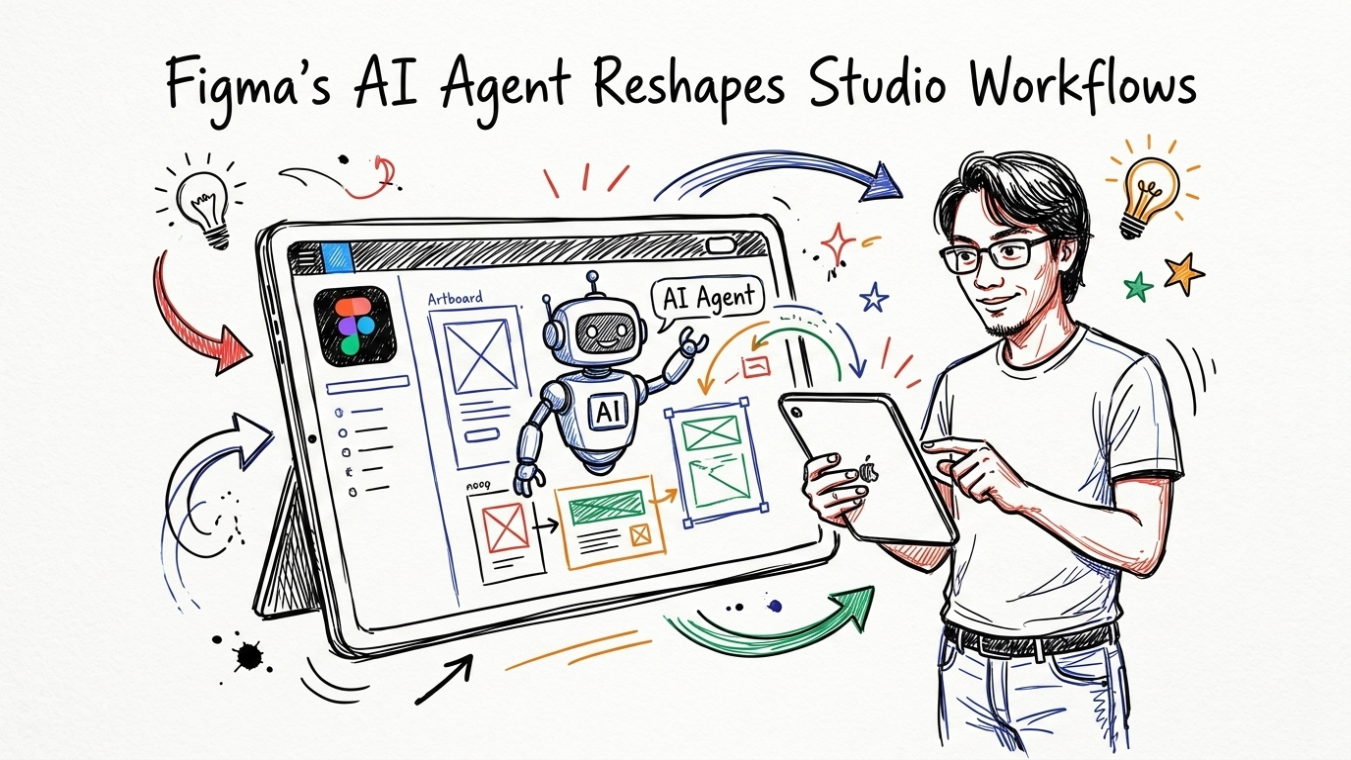
The pattern across all of these: AI design tools work best on the parts of the process that don’t require a stake in the outcome. They’re an accelerant, not a source of meaning. If you want a deeper look at how two of the most common production tools in this stack compare day to day, our Figma vs Canva comparison breaks down where each one fits into a small studio’s actual workflow.
Building a Hybrid Workflow That Actually Protects Your Brand
The practical fix for the AI design tools vs human creativity dilemma isn’t picking a side. It’s sequencing the work so human judgment happens where it matters most, and AI handles everything downstream of that decision. Here’s a workflow that holds up for small teams:
- Do the identity work first, without AI. Before any tool sees a prompt, write down the one specific type of client or customer you’re built for, what they tried before you that didn’t work, and the thing about your business that competitors genuinely can’t copy. This is the strategic layer AI has no access to, and skipping it is the single biggest reason AI-generated branding feels generic.
- Feed AI design tools detailed context, not vague prompts. “Modern logo for a coffee shop” invites the sameness problem. A prompt built from your actual positioning, reference images, and specific constraints gives the model something distinctive to work from instead of falling back on its most common training patterns.
- Use AI for volume, keep humans for the final 10%. Let AI design tools generate the range of directions quickly. Reserve human judgment — taste, refinement, the small asymmetries that make a mark feel considered rather than templated — for the final pass before anything ships.
- Check your output against real competitors, not just your own brief. Put your new brand assets next to the five brands your customers are also evaluating. If they could be swapped without anyone noticing, that’s a signal to go back to strategy, not to prompt again.
- Document an AI usage policy, even an informal one. Being transparent about where AI design tools were used, and keeping a lightweight brand reference document that AI-generated work gets checked against, keeps drift from creeping in over months of production.
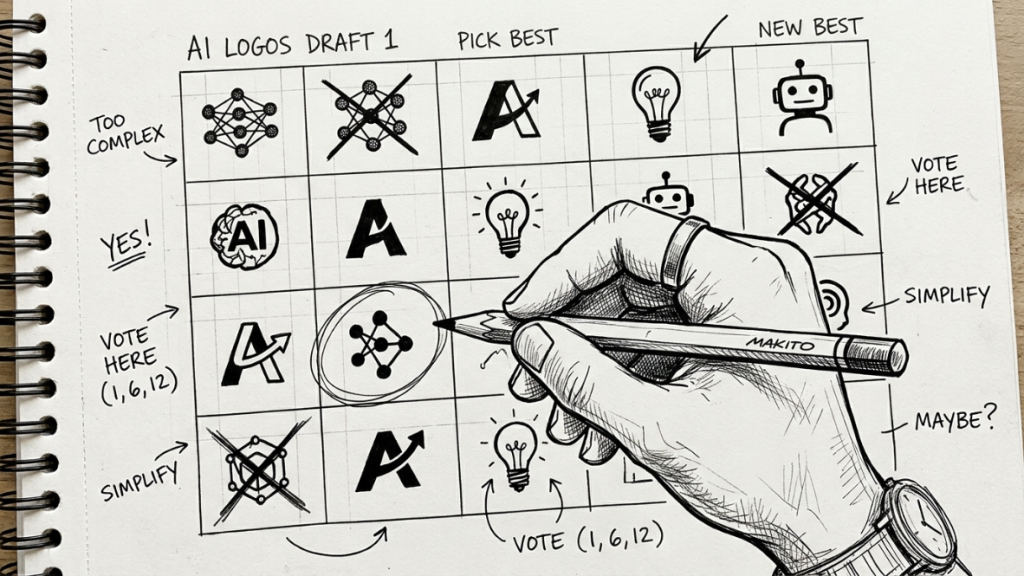
This sequencing matters more than which specific tool you choose. Whether you’re comparing production platforms or exploring newer AI-native ones, the same logic applies: strategy leads, AI accelerates, and a human makes the final call. Our earlier piece on the future of logo design and AI goes further into how this division of labor is reshaping the designer’s role from creator to curator.
Useful AI Tools Worth Knowing About
If you’re building out a stack, a few tools consistently come up as genuinely useful rather than gimmicky: Adobe Firefly for generating textures and variations inside a Creative Cloud workflow you already control, Recraft for scalable, editable vector output that’s actually usable across print and digital, Khroma for color palette discovery trained on your own preferences rather than generic defaults, and Canva AI for teams that need non-designers to produce on-brand marketing materials without waiting on a queue. None of these replace the identity work — they just make the execution faster once that work is done.
Where This Leaves Freelancers and Small Teams
The businesses and studios navigating AI design tools vs human creativity most successfully aren’t the ones with the biggest budgets. They’re the ones who’ve been honest about what a tool can and can’t tell them about their own brand. AI design tools can produce more options faster than any team of two or three people could manage alone, and for a resource-constrained studio, that’s a real competitive advantage worth using. What it can’t do is decide what your brand should stand for, or notice when an output has drifted away from that. That decision, and the accountability that comes with it, stays with you.
If you keep the identity work in human hands and let AI design tools handle the volume and repetition around it, the sameness problem mostly stops being a risk. The brands that will stand out over the next few years won’t be the ones that avoided AI, or the ones that let it run unchecked — they’ll be the ones that used it deliberately, with a clear sense of what only a human could bring to the table.
Sources & References
This article draws on reporting and analysis from RGD’s overview of AI tools for designers in 2026, The Mayk’s analysis of AI branding and differentiation, and Flatline Agency’s roundup of AI design tools for brand teams.
Discover more from CiptaVisual
Subscribe to get the latest posts sent to your email.