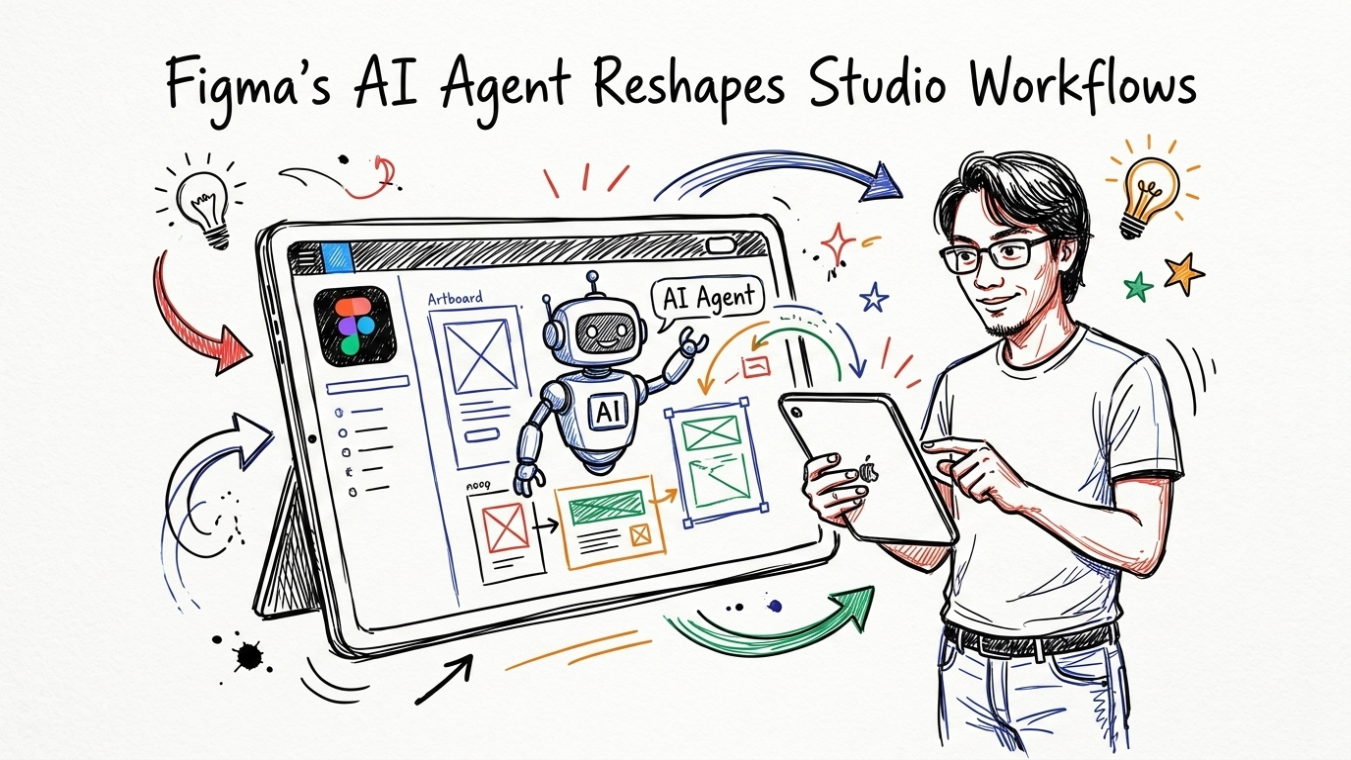


7 AI-Powered Digital Creative Tools That Do Team Work
Scale studio output and cut production hours using smart creative assistants.

Running a solo creative agency or working as a freelance designer in 2026 feels like running a marathon while juggling flaming torches. Clients demand agency-level deliverables, tight turnaround times, and multi-channel campaign assets, all on a tight budget. Managing brand identity, production design, copy, motion graphics, and photo editing alone often leads straight to burnout. Fortunately, modern digital creative tools powered by artificial intelligence allow a single creator to handle workloads that previously required a six-person creative department.
By automating repetitive rendering tasks, generating editable vector files, drafting pixel-perfect web wireframes, and clearing visual noise from photos, these platforms bridge the gap between creative vision and execution. This guide breaks down seven practical, high-value AI design tools, complete with setup costs, realistic workflows, and exact strategies to scale your output without sacrificing artistic integrity.
The Shift to AI Practice: Why Modern Tools Are Required
The economic reality for small studios across Europe and North America has shifted dramatically. According to operational statistics from the U.S. Small Business Administration, small service firms face persistent wage pressure and tight client margins. Hiring full-time specialists for every discipline—such as dedicated illustrators, motion designers, copywriters, and front-end developers—can easily run past $28,000 per month in overhead.
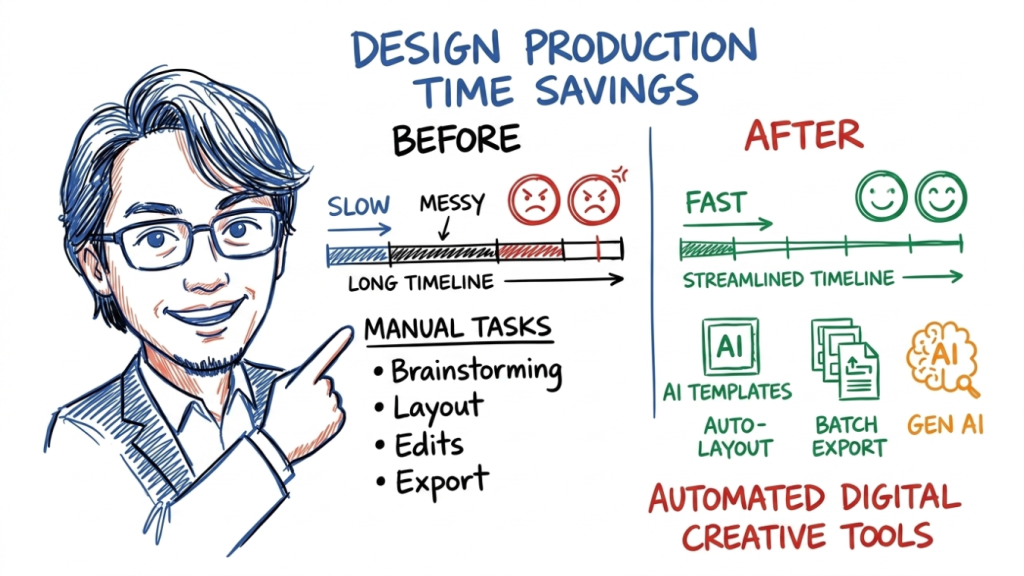
For independent freelancers and small studios, adopting specialized creative software is no longer about novelty; it is about survival and profit margins. According to recent research on digital production efficiency published by the IEEE Computer Society, automated asset pipelines reduce technical task time by up to 63%, letting designers spend more energy on client strategy, core artistic decisions, and relationship building.
When you build a integrated workflow around smart design tools, you replace fragmented production cycles with continuous output. To explore how to organize these engines effectively into daily operations, read our deep-dive guide on the AI graphic design workflow guide.
💡 Do not attempt to adopt all seven tools in a single afternoon. Pick one persistent bottleneck in your current client workflow—such as background removal or vector illustration—and test a single specialized tool on a live project to measure your exact time saved.
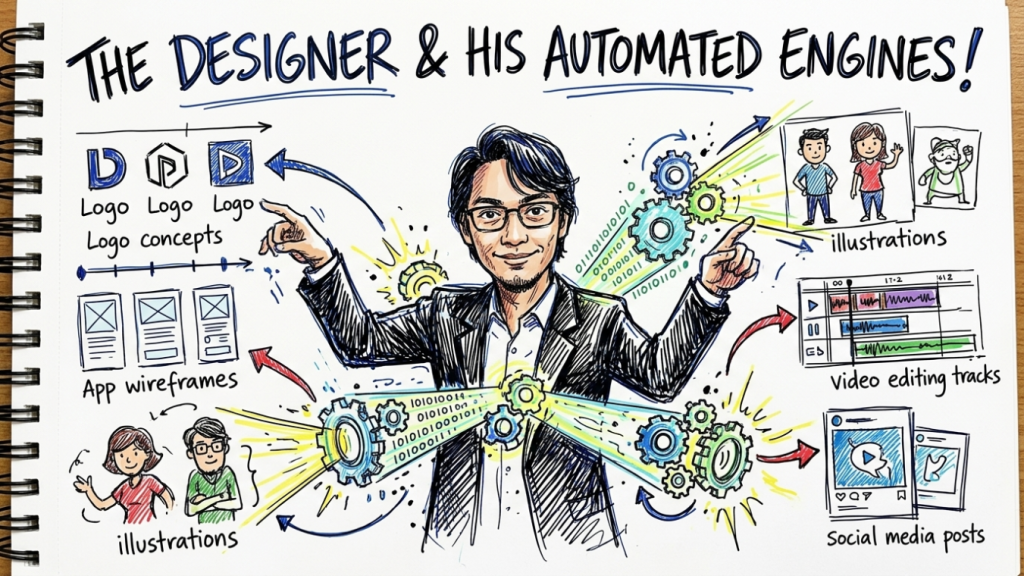
The 7 AI-Powered Tools Curated for Solo Studios
The following tools were selected based on direct usability, professional export standards (SVG, high-resolution PNG, lossy-free audio, layered video), and affordability for independent operators.
1. Recraft.ai: Precision Vector Generation & Brand Consistency
Most generative visual tools produce flat raster images (JPEGs or PNGs) that pixelate when scaled for commercial print or responsive web design. Recraft.ai solves this fundamental limitation by generating clean, infinitely scalable vector artwork (SVG format) alongside precise color palette control.
With Recraft, you can define a client’s brand color hex codes, specify stroke thickness, and lock in visual style rules. Whether you need 20 matching icon sets for a mobile application or custom spot illustrations for an annual report, the software generates cohesive design files that open natively in Adobe Illustrator or Figma.
- Core Role: Vector Illustration, Iconography, Brand Asset Generation
- Key Feature: Native SVG export with customizable brand style palettes
- Pricing Model: Free tier available; Pro plan starts at $20/month
- Ideal For: Brand designers and UI/UX specialists needing scalable design elements
2. Midjourney v6: Editorial Concept Art & Creative Direction
When pitching visual concepts to corporate clients, mood boards often lack cohesive focus. Midjourney v6 acts as a virtual art director, converting detailed text prompts into high-end photorealistic imagery, surreal graphic art, and stylized editorial visuals.
By leveraging advanced parameter controls like parameter weights, aspect ratio flags, and style references, designers can generate full art direction decks in 45 minutes instead of spending two days searching stock photo libraries. Research from the Nielsen Norman Group highlights that tailored visual concepts improve stakeholder comprehension during initial design reviews by over 40%.
- Core Role: Art Direction, Conceptual Imagery, Campaign Visuals
- Key Feature: Unrivaled texture fidelity and photorealistic lighting control
- Pricing Model: Basic plan starts at $10/month
- Ideal For: Creative directors and solo ad agencies presenting pitch concepts
3. Relume.io: AI-Powered UI/UX Site Architecture & Wireframing
Building website layouts from scratch takes hours of structural planning, content mapping, and component positioning. Relume acts as an automated web architect. By entering a simple prompt describing a client’s business model, Relume instantly generates sitemaps, structural page layouts, and copy placeholders directly in Figma or Webflow.
This cuts the discovery and wireframing phase down from 14 days to under three hours. The component structure aligns with international web standards set by the W3C Web Accessibility Initiative, ensuring that responsive breakpoints and layout contrast guidelines are respected from the draft stage.
- Core Role: Web Design Architecture, UX Wireframing, Copy Structure
- Key Feature: One-click export to clean Figma component libraries and Webflow sites
- Pricing Model: Starter plan at $32/month
- Ideal For: Freelance web designers and digital marketing generalists
4. Adobe Firefly: Commercial Generative Fill & Vector Recoloring
Copyright safety is a critical concern for commercial client deliverables. Adobe Firefly stands out because its generative models are trained exclusively on Adobe Stock images, openly licensed content, and public domain materials. Integrated directly into Adobe Photoshop and Illustrator, Firefly gives designers surgical control over context-aware generative fill and instant vector color scheme iteration.
Instead of manually editing backgrounds, removing unwanted street clutter, or adjusting vector artwork for seasonal promotions, designers can execute complex retouching commands in seconds. To understand how foundational visual structure impacts brand value regardless of the tools used, read our insights on brand identity design principles.
- Core Role: Commercial Photo Retouching, Generative Expansion, Vector Recoloring
- Key Feature: Enterprise-safe commercial IP indemnity and direct Creative Cloud integration
- Pricing Model: Included in Adobe Creative Cloud plans (or standalone from $4.99/month)
- Ideal For: Production artists and commercial graphic designers
5. Runway Gen-2 / Gen-3: Motion Design & Short-Form Video Production
Motion design historically carries a steep learning curve and heavy render times. Runway levels the field by allowing solo creators to transform static brand photography into high-definition, dynamic video clips using text, image, or video prompts.
Whether you need a dynamic background for a landing page hero section or engaging short-form video ads for Instagram and TikTok, Runway generates smooth cinematic movement without requiring complex keyframing in After Effects. Academic studies published on European Commission Digital Economy initiatives highlight that short-form video content increases consumer conversion rates by up to 28% across regional European e-commerce sectors.
- Core Role: Video Production, VFX Animation, Social Motion Clips
- Key Feature: Motion Brush tool for targeted camera movement and visual effects
- Pricing Model: Standard plan starts at $12/month
- Ideal For: Social media managers and digital content marketers
6. Descript: Text-Based Audio & Video Editing
Editing video podcasts, promotional client interviews, or video tutorials used to involve slicing timeline clips frame by frame. Descript changes video editing into a simple text editing task. It automatically transcribes recorded media into plain text, allowing creators to edit video timelines by editing the printed transcript.
Deleting a word, sentence, or filler sound (“um” or “uh”) from the text document instantly trims the corresponding frames from the video timeline. Combined with automated voice cloning for quick voiceover corrections, studio sound synthesis, and automated eye-contact adjustments, Descript turns a full video editing bay into an intuitive document editor.
- Core Role: Video Podcast Editing, Voice Synthesis, Automated Subtitling
- Key Feature: Text-driven timeline trimming and automatic filler word removal
- Pricing Model: Creator plan at $12/month
- Ideal For: Multimedia producers, podcasters, and content creators

7. Photoroom: E-Commerce Product Photography Studio
For designers supporting e-commerce clients on Shopify or Amazon, batch product photo retouching is a tedious time sink. Photoroom automates background removal, soft shadow generation, and professional product staging with studio lighting precision.
Instead of booking expensive studio photo shoots for dozens of product SKUs, creators can take raw smartphone shots and render catalog-ready images in seconds. Formal studies by the Stanford Web Credibility Project show that consistent, high-resolution product photography is a top driver of digital storefront trustworthiness and buyer conversion.
- Core Role: Commercial Product Staging, Background Cleaning, Batch Processing
- Key Feature: Automatic realistic shadow creation and multi-SKU batch processing
- Pricing Model: Pro plan starts at $9.99/month
- Ideal For: E-commerce designers and digital product marketers
📌 Always verify commercial usage terms for generative outputs. Platforms like Adobe Firefly provide full commercial coverage, whereas basic tiers of other platforms may restrict commercial licensing rights for high-profile client campaigns.
Comparative Breakdown: Selecting Your Creative Suite
To help you structure your monthly subscription budget effectively, the table below compares these digital creative tools based on primary function, starting cost, estimated time savings, and visual output capability.
| Tool Name | Primary Creative Function | Starting Monthly Cost | Average Time Saved | Primary Export Standard |
|---|---|---|---|---|
| Recraft.ai | Vector Icons & Illustrations | $20 / month | 11 hours / project | Clean SVG & PNG |
| Midjourney v6 | Editorial Art & Pitch Visuals | $10 / month | 14 hours / pitch | High-Res PNG & WEBP |
| Relume.io | Web Sitemaps & UX Wireframes | $32 / month | 22 hours / site | Figma & Webflow Code |
| Adobe Firefly | Photo Retouching & Expansion | $4.99 / month | 8 hours / project | Layered PSD & AI |
| Runway Gen-3 | Motion Video & Animation | $12 / month | 16 hours / video | 4K MP4 & ProRes |
| Descript | Text-Based Audio/Video Editing | $12 / month | 18 hours / video | Lossless WAV & MP4 |
| Photoroom | E-Commerce Product Staging | $9.99 / month | 9 hours / catalog | Transparent PNG & JPG |
Practical Integration Guide: Your 30-Minute Daily Workflow
Having powerful software means little if your daily operational routine remains chaotic. The goal is not to use every platform every day, but to create an organized assembly line where assets move smoothly from concept to final export.
For independent studios targeting local businesses, streamlining production speed also frees up valuable time to execute local marketing and growth tactics. Discover strategies for securing higher-paying local accounts in our complete guide on local SEO for creative studios.
Step-by-Step Production Routine
- [x] Step 1: Moodboard & Visual Strategy (10 Mins): Use Midjourney v6 to generate initial aesthetic options and set color tones with client feedback.
- [x] Step 2: Architecture & Layout (10 Mins): Draft initial web wireframes in Relume.io and push the structured component tree straight into Figma.
- [x] Step 3: Custom Vector & Copy Production (5 Mins): Generate matching icons in Recraft.ai and polish microcopy using structured prompts.
- [x] Step 4: Video & Media Polish (5 Mins): Animate key hero banner visuals with Runway Gen-3 and clean speech audio tracks in Descript.
⚠️ Do not deliver raw, unedited AI generations directly to clients. Always refine details, check typographic alignment, verify brand consistency, and apply your human creative perspective before sending deliverables.
Conclusion: Preserving Human Vision while Scaling Production
Adopting specialized digital creative tools is not about turning design into a robotic, automated factory line. It is about removing tedious background work so you can focus on core strategy, artistic vision, and meaningful client relationships.
By delegating repetitive tasks—such as manual photo background removal, vector tracing, video timeline trimming, and structural wireframing—to specialized intelligent software, a solo creative practitioner can achieve the output capacity of a multi-member design agency. Start small, select two platforms that solve your immediate production friction, and reclaim your daily time while increasing studio revenue.
Discover more from CiptaVisual
Subscribe to get the latest posts sent to your email.